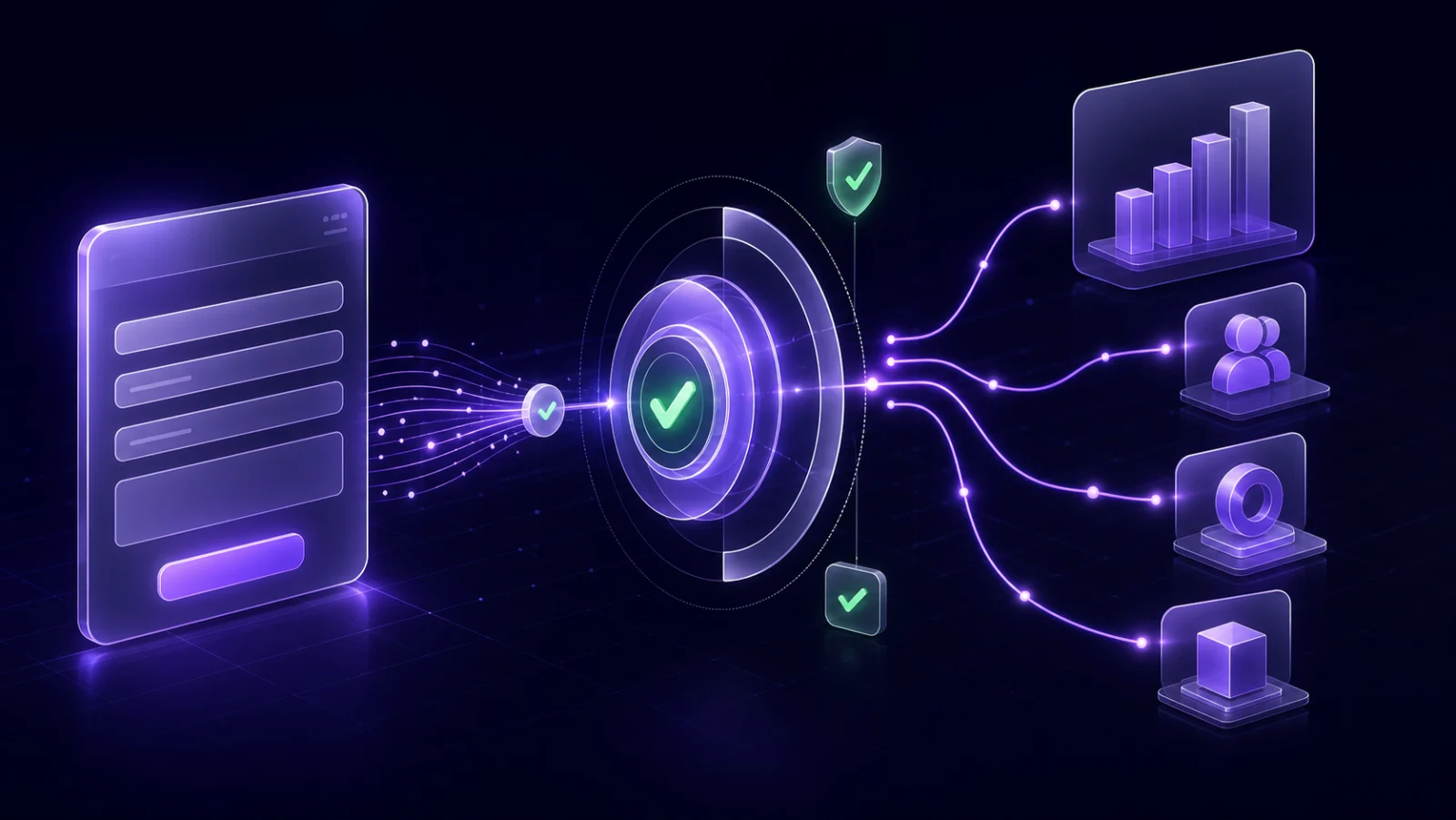
Imagine your GA4 report shows 100 form submissions this month. Ten were duplicates. Twelve had unusable contact details. Eight were support requests rather than sales inquiries. Five could not be matched to the right location. Of the remaining 65, two failed on the way to the CRM.
How many leads did marketing generate: 100, 70, 65, or 63? Each number describes a different stage. The answer depends on whether you are measuring browser activity, sales intent, lead quality, routing, or successful delivery.
Google Analytics 4 gives you a useful vocabulary for the marketing funnel. A first-party lead system supplies the operational facts that GA4 cannot observe on its own. This guide shows how those two layers fit together.
For the implementation details behind the browser events, read
GA4 Form Tracking: From form_submit to a Real Lead.
A form submission is a signal, not a qualified lead
A browser can report that a form interaction occurred. It does not necessarily know whether the backend accepted the submission, whether the contact details work, or whether the inquiry belongs in a sales pipeline.
Keep these stages separate:
- Form interaction: a person starts or submits a form.
- Generated lead: the business receives a genuine request for information.
- Qualified lead: the inquiry is contactable and meets the rules for sales follow-up.
- Routed lead: the correct business, location, and destination are resolved.
- Delivered lead: the CRM, inbox, or other destination confirms receipt.
If every form submission is counted as a qualified lead, campaign reports inherit duplicates, junk, support requests, and delivery failures as if they were sales opportunities.
The GA4 events in the lead funnel
Google recommends several events for lead generation. The names are deliberately specific, so use them to describe the stage that actually occurred rather than using one generic conversion for the whole funnel.
form_startwhen someone starts interacting with a form.form_submitwhen a form is submitted.-
generate_leadwhen someone submits a genuine request for information. qualify_leadwhen a lead is marked as qualified.disqualify_leadwhen a lead is marked as not qualified.working_leadwhen sales starts working the lead.close_convert_leadwhen the lead converts.
See Google's current recommended event reference and Lead acquisition report documentation for the official definitions and reporting fields.
form_submit versus generate_lead
Use form_submit to measure a general form interaction. Use
generate_lead when the form represents a real request for information,
such as a demo, estimate, appointment, or consultation request.
GA4 Enhanced Measurement can collect form_start and
form_submit automatically. Those events describe browser interaction, not
confirmed backend acceptance. Do not send a second custom form_submit for
the same action. If you replace automatic measurement with custom form events, disable
or filter the automatic event first and document the new trigger.
Keep generate_lead for a confirmed sales inquiry. That distinction
prevents newsletter subscriptions, job applications, support forms, and gated
downloads from inflating the lead count.
A simple event policy
-
Treat automatic
form_submitas interaction data, and do not duplicate it with a custom event. -
Fire
generate_leadonly after the backend accepts a genuine sales inquiry. - Set qualification-stage events when the backend, CRM, or lead operations system makes that decision.
- Never send names, emails, phone numbers, or free-text message content to GA4.
How to track lead stages reliably
1. Measure successful submission, not intent to submit
A click on the submit button can be followed by client-side validation errors, a network failure, or a rejected backend request. Trigger the event from a confirmed success state whenever the form platform permits it.
2. Keep personal data in the lead system
GA4 is not your lead database. Store contact details, consent, raw form fields, and validation evidence in an operational system with the right access controls. Send only non-personal event parameters needed for analysis.
3. Preserve a safe correlation key
Give each accepted inquiry a non-personal submission ID. That key can connect the browser event to the first-party Lead without placing personal information in analytics. Keep click identifiers, campaign parameters, landing page, and referrer alongside the Lead so attribution evidence survives downstream handoffs.
4. Change stages where the decision occurs
The browser does not know that a phone number failed validation or a sales team accepted the inquiry. Qualification and later lifecycle events should come from the backend, CRM, or lead operations layer that owns those facts. Do not simulate a qualified lead event immediately after every form submission.
5. Verify reports after processing
Use GA4 debugging tools during setup, then verify the event in normal reports after processing. Google's guide to measuring lead generation explains the recommended configuration flow. Document the timezone and freshness of each report so daily comparisons use the same closed window.
Why GA4 attribution numbers can change
GA4 attributes key events to marketing touchpoints. The result depends on the event's scope, the selected attribution model, available identifiers, consent, and processing. That is valuable marketing context, but it is not the same thing as an immutable delivery ledger.
Google's documentation explains both attribution models and the different scopes of traffic-source dimensions. Google also notes that modeled key events can be included in reports and attributed data may be updated after the event.
Treat GA4 as the place to analyze traffic and marketing credit. Treat the lead system as the place to answer operational questions: Was this person contactable? Which business owns the Lead? Where was it sent? Did delivery succeed?
The missing layer between GA4 and the CRM
Many implementations jump straight from a browser event to "send it to the CRM." The pre-CRM handoff is where important work happens:
- Capture safely. Select approved forms and exclude sensitive fields or workflows.
- Normalize. Convert different source payloads into one consistent Lead shape.
- Deduplicate and validate. Separate qualified, review, and blocked outcomes without losing reachable people to one weak field.
- Resolve ownership. Match the right business and physical Location with explicit rules.
- Route. Send the Lead to the intended CRM, inbox, webhook, or other Destination.
- Record Delivery. Keep each attempt and outcome so failures can be seen and retried safely.
These facts make the difference between "GA4 counted a conversion" and "sales received a qualified Lead from this campaign."
Agency and multi-location checklist
- Use one documented event naming policy across every business you manage.
- Define which forms create sales Leads and which forms are engagement only.
- Exclude payment, health, authentication, and other sensitive forms from broad capture.
- Keep GA4 property ownership explicit for each business.
- Use a non-personal key to correlate events and Leads.
- Store first-party attribution evidence with the Lead before sending it downstream.
- Make business and Location routing deterministic, with a visible fallback.
- Track Delivery outcomes separately from the Lead record.
- Label dashboard freshness so GA4 lag is not mistaken for missing first-party Leads.
How Lucidity fits
Lucidity keeps Leads and Deliveries as first-party facts. It captures approved website forms, validates contact and duplicate signals, resolves the right business and Location, routes qualified Leads to configured Destinations, and records each Delivery attempt. GA4 remains traffic context for the business rather than the source of truth for whether a Lead exists or reached sales.
That separation lets an agency or multi-location operator compare campaign context with the operational outcome without pretending every submitted form is a qualified, delivered Lead.
Track what happened after the form
Bring one website form and one destination. See how Lucidity captures, validates, attributes, and routes the Lead while keeping delivery evidence attached.
Request a walkthrough