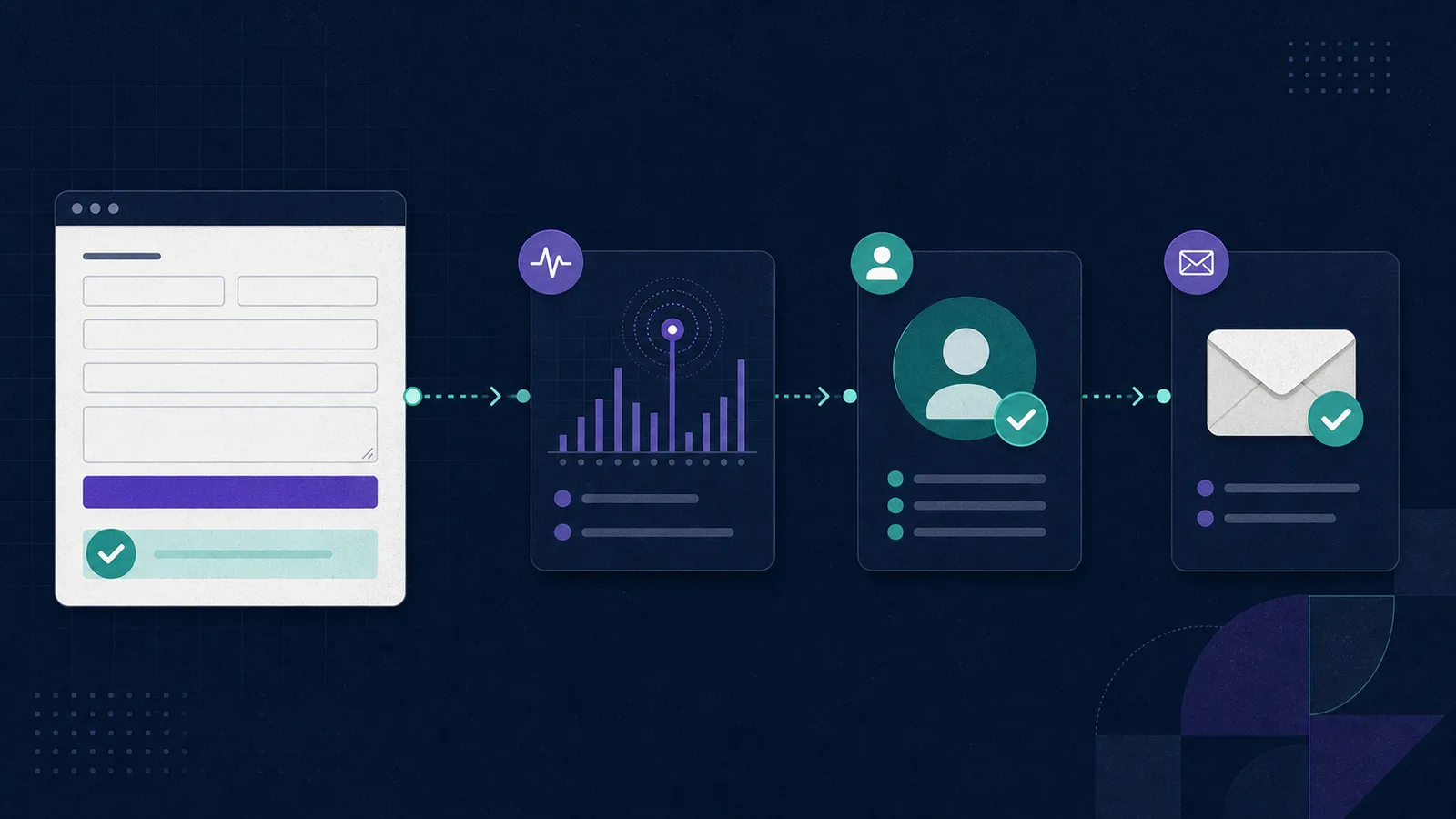
For reliable GA4 form tracking, let form_start and
form_submit describe form interaction, then send
generate_lead only after a genuine sales inquiry is accepted. Trigger
from the success state, not the submit-button click. Test AJAX, multi-step and
embedded forms individually, prevent duplicate events, and never send names, email
addresses, phone numbers or message text to Google Analytics.
| Event | Fire when | It does not prove | Source |
|---|---|---|---|
form_start |
The user first interacts with a form in the session. | That the user finished or submitted the form. | Google Enhanced Measurement |
form_submit |
The form is submitted. | That the backend accepted it or that it is a sales inquiry. | Google Enhanced Measurement |
generate_lead |
An accepted submission represents a real request for information. | That the Lead is contactable, qualified, routed or delivered. | Google recommended events |
qualify_lead |
The system that owns qualification marks the Lead as qualified. | That a Destination received the Lead successfully. | Google recommended events |
Google defines form_start and form_submit as Enhanced
Measurement events for form interaction. Google separately defines
generate_lead for a submitted form or request for information, and
qualify_lead for a Lead marked as fitting the qualification criteria. See
the official
Enhanced Measurement reference
and
recommended events reference.
Should you use form_submit or generate_lead?
Use both only when they represent different facts. A generic form submission is an interaction. A generated Lead is a business outcome. A demo request can produce both; a newsletter signup, support ticket or job application may be a submitted form but should not automatically become a sales Lead.
Google lists generate_lead for a form submission or request for
information, while its lead-generation funnel also includes later events such as
qualify_lead, disqualify_lead, working_lead and
close_convert_lead. Those event names are a reason to keep stages
separate, not permission to fire the whole funnel from the browser.
A successful browser event is not a qualified Lead, and a qualified Lead is not proof of successful Delivery.
How do you configure GA4 form tracking?
1. Inventory every form before adding tags
List the form, owner, purpose and success condition. Mark which forms create sales inquiries, which only measure engagement, and which handle support, authentication, payment, health or other sensitive workflows. This prevents one broad trigger from treating unrelated forms as Leads.
2. Inspect Enhanced Measurement before creating custom events
Google Analytics can collect form_start and form_submit
through Enhanced Measurement. Confirm whether those events already fire for each form
before adding a Google Tag Manager trigger or application event. If the automatic
event is correct, do not send a second event with the same name for the same action.
The collected parameters can include the form ID, form name and destination. Google notes that custom dimensions are required to use those parameters in reports. Keep the form identifiers descriptive but free of personal information.
3. Define the accepted-Lead boundary
Decide what must happen before generate_lead fires. The strongest
boundary is a confirmed success response for a form that represents a sales inquiry. A
button click is too early because client validation, network failure or backend
rejection can still stop the submission.
4. Trigger from the success state
Send generate_lead from the application's success callback, thank-you
state or vendor-supported completion event. Keep the analytics payload sparse. A
simple event can be enough:
gtag("event", "generate_lead");Do not attach the submitted name, email, phone number, free-text message or a URL that contains those values. Google's policy prohibits sending data Google could recognize as personally identifiable information, including email addresses and personal mobile numbers. Review Google's PII implementation guidance before publishing the tag.
5. Let the owning system update later stages
The browser does not know whether contact data passed validation, whether a duplicate
was found, or whether a Destination accepted the Lead. Emit later lifecycle events
from the backend, CRM or lead operations system that made the decision. Do not fire
qualify_lead immediately after every generate_lead.
Implementation limits verified July 15, 2026
- AJAX forms: verify the network success path. A submit action can happen before the async request is accepted, so the accepted-Lead event belongs in the success callback.
- Multi-step JavaScript forms: do not assume a native submit occurs. Instrument the confirmed final completion state and test every path.
- Cross-origin iframes: the parent page cannot directly inspect the embedded document's objects across the browser's same-origin boundary. Instrument inside the frame or use the form vendor's supported integration. See the HTML cross-origin object rules.
- Lucidity website capture: the current first slice supports selected forms and normal capture paths. Multi-step JavaScript-only forms, broad XHR interception and deep iframe support require separate implementation checks.
How do you verify the events?
- Open one test device through Google Tag Assistant or another documented debug-mode path.
- Start the form and confirm one
form_start. - Cause a validation error and confirm no accepted-Lead event fires.
- Complete a valid submission and confirm one
generate_lead. - Repeat with AJAX, embedded and multi-step variants separately.
- Confirm the same event is not being sent by both Enhanced Measurement and a tag.
- Verify processed reporting after the normal freshness window.
Google's DebugView guide says DebugView shows events and user properties in real time when debug mode is enabled. Google also recommends acquisition reports instead of DebugView for accurate attribution information. Use DebugView to prove the event fired, then use processed reports for analysis.
Reporting is not always immediate. Google's Data Freshness reference says processing can take 24 to 48 hours, and data can change during that window. Label the report's Data Freshness so a late GA4 number is not mistaken for a missing first-party Lead.
Why are form counts missing or duplicated?
- Missing submissions: confirm that the form reaches its success state, then inspect consent, tag loading and the actual event in DebugView.
- Duplicate submissions: check whether Enhanced Measurement, Google Tag Manager and application code all send the same event.
-
Too many Leads: narrow
generate_leadto approved sales forms instead of every form on the site. - GA4 and backend disagree: compare the same closed date window and separate browser submissions, accepted Leads, qualification outcomes and Delivery outcomes.
Google's lead-generation tutorial treats form views, starts and submits as separate measurements. That separation is a useful troubleshooting model: identify the first stage where counts diverge instead of adjusting one headline total.
What should stay outside GA4?
If you also need a record of each inquiry and its CRM handoff, compare form tracking software by use case. The guide separates submission evidence, source attribution, Lead Validation, and Delivery outcomes so you can choose what should sit alongside GA4.
Keep personal contact data, consent, raw form fields, validation evidence, routing decisions and Delivery attempts in the first-party operational system. GA4 provides traffic and campaign context. It should not become the database that decides whether a person was reachable or whether a CRM received the Lead.
Lucidity follows that boundary. Its capture, validation and routing workflow keeps Leads and Deliveries as first-party facts while GA4 remains traffic context. For the full measurement model, read How to Track Qualified Leads in GA4.
Test one real form from submission to Delivery
Bring one approved sales form and one Destination. See how Lucidity captures the accepted inquiry, validates the Lead, routes it and keeps the Delivery outcome attached.
Request a walkthrough